Screen Printing Design Templates
Introduction
Screen printing design templates are essential tools for anyone looking to create consistent, high-quality prints on fabric, paper, or other materials. Whether you are a beginner or an experienced designer, using well-structured templates can save time, improve accuracy, and ensure professional results. In today’s competitive market, mastering screen printing design templates is a valuable skill for businesses and creatives alike.
Screen Printing Design Templates
Screen printing is one of the most popular printing methods used in industries like fashion, branding, and promotional products. At its core, it involves transferring ink through a mesh screen onto a surface. However, without proper planning and layout, the final print may not meet expectations. This is where screen printing design templates come into play.
These templates act as a blueprint, helping designers align elements, manage colours, and prepare artwork for printing. By using templates, you can avoid common mistakes such as misalignment, colour bleeding, and poor resolution.
Why Screen Printing Design Templates Matter
Consistency in Design
One of the biggest advantages of using screen printing design templates is consistency. Whether you are printing 10 shirts or 1,000, templates ensure that every piece looks identical.
Time Efficiency
Instead of starting from scratch every time, templates allow you to reuse layouts and focus on creativity. This significantly reduces production time.
Professional Output
Templates help maintain proper spacing, alignment, and colour separation, resulting in clean and sharp prints that look professional.

Cost Savings
Mistakes in screen printing can be costly. Templates minimize errors, reducing material waste and saving money in the long run.
Key Elements of Screen Printing Design Templates
Canvas Size and Dimensions
The template should match the size of the printing area. For example, a standard T-shirt print area is typically around 12×16 inches. Setting the correct dimensions ensures your design fits perfectly.
Resolution and File Format
High-resolution designs (300 DPI) are essential for screen printing. Templates should be created in formats like PSD, AI, or PNG to maintain quality.
Colour Separation
Screen printing uses separate screens for each colour. Templates should clearly define each colour layer to avoid confusion during production.
Margins and Bleed Areas
Including margins and bleed areas ensures that the design does not get cut off during printing. This is especially important for large-scale production.
Types of Screen Printing Design Templates
T-Shirt Templates
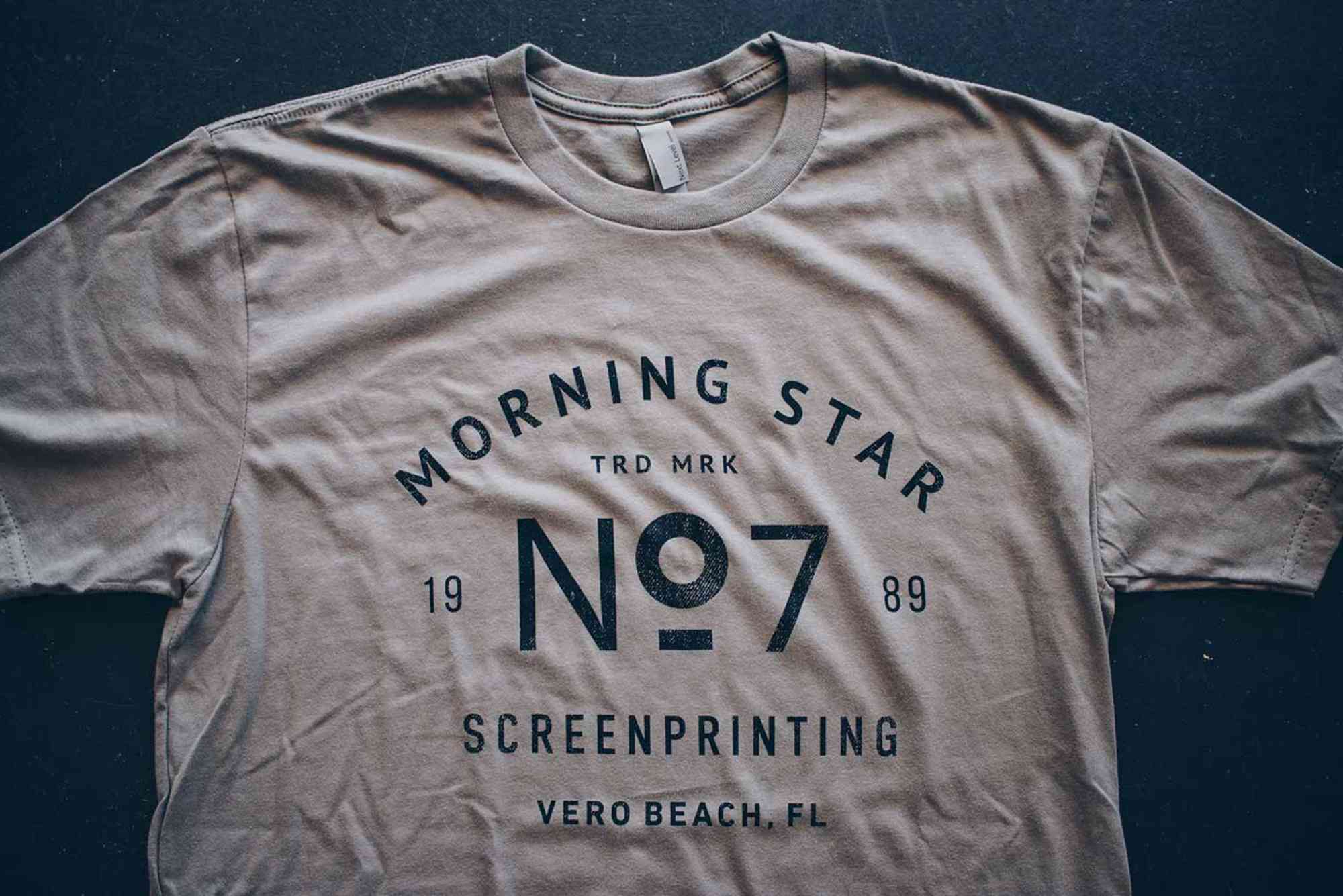
These are the most commonly used templates. They help position designs on the front, back, or sleeves of the shirt.
Poster and Art Print Templates
Used for printing artwork, posters, and limited-edition prints, these templates focus on precise alignment and colour accuracy.
Packaging Templates
Screen printing is also used in packaging. For example, businesses offering Custom Packaging often rely on templates to maintain brand consistency across products.
Promotional Product Templates
Templates for items like tote bags, caps, and mugs ensure that branding elements are properly placed and scaled.
How to Create Screen Printing Design Templates
Choose the Right Software
Popular design tools include Adobe Illustrator, Photoshop, and CorelDRAW. These programs allow you to create detailed and scalable templates.
Set Up the Workspace
Start by defining the canvas size, resolution, and colour mode (usually CMYK or spot colors). This ensures compatibility with printing requirements.
Design with Layers
Use separate layers for each colour and element. This makes it easier to manage colour separation and editing.
Add Guidelines
Include grid lines, margins, and alignment guides to maintain consistency across designs.
Test the Template
Before final production, test your template with a sample print to identify any issues.
Best Practices for Using Screen Printing Design Templates
Keep Designs Simple
Complex designs with too many colours can be difficult and expensive to print. Stick to clean and simple designs for better results.
Use High-Contrast Colours
High contrast ensures that the design stands out on the material, especially on dark fabrics.
Optimize for Fabric Type
Different fabrics absorb ink differently. Adjust your template based on whether you are printing on cotton, polyester, or blends.
Maintain Proper Alignment
Always double-check alignment before printing to avoid costly errors.
Stay Updated with Trends
Exploring sources of packaging design inspiration can help you stay ahead in design trends and create more appealing templates.
Common Mistakes to Avoid
Ignoring Colour Separation
Failing to separate colours properly can lead to overlapping and messy prints.
Using Low-Resolution Images
Low-quality images result in blurry prints. Always use high-resolution graphics.
Overloading the Design
Too many elements can make the design look cluttered and difficult to print.
Skipping Test Prints
Test prints are crucial for identifying issues before mass production.
Tools and Resources for Screen Printing Design Templates
Design Software
Programs like Adobe Illustrator and Photoshop are industry standards for creating templates.
Online Template Libraries
Many websites offer pre-made templates that can be customised according to your needs.
Professional Services
If you prefer expert assistance, visiting a reliable provider such as Buddy Packaging Location can help you get professional guidance and services.
Screen Printing Design Templates for Businesses
Branding Consistency
Templates help businesses maintain consistent branding across all products, from apparel to packaging.
Scalability
As your business grows, templates make it easier to scale production without compromising quality.
Customer Satisfaction
High-quality prints lead to better customer experiences and repeat business.
Future Trends in Screen Printing Design Templates
Digital Integration
Modern templates are increasingly integrated with digital tools, allowing for faster and more precise designs.
Eco-Friendly Printing
Sustainable inks and materials are becoming more popular, influencing how templates are designed.
Customisation
Personalised templates are gaining demand, especially in e-commerce and print-on-demand businesses.
FAQs
What are screen printing design templates?
Screen printing design templates are pre-designed layouts that help organize and prepare artwork for the screen printing process.
How do I create a screen printing template?
You can create one using design software like Adobe Illustrator by setting dimensions, adding layers, and defining colour separations.
What resolution is best for screen printing templates?
A resolution of 300 DPI is recommended to ensure sharp and clear prints.
Can beginners use screen printing design templates?
Yes, templates are especially helpful for beginners as they simplify the design and printing process.
What file formats are used for screen printing templates?
Common formats include AI, PSD, EPS, and PNG, depending on the design requirements.
Why is colour separation important in screen printing?
Each colour requires a separate screen, so proper separation ensures accurate and clean prints.
Shop the boxes from this guide
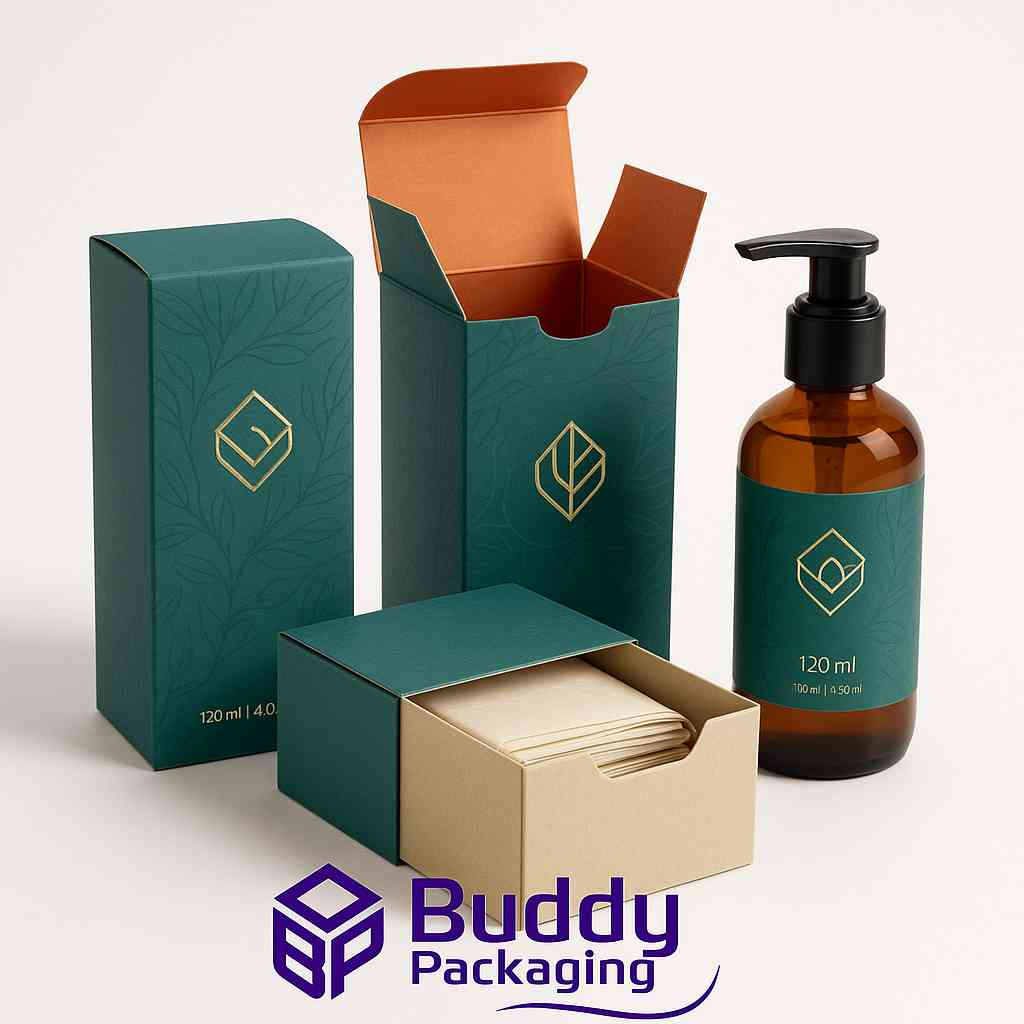
120ml Bottle Boxes
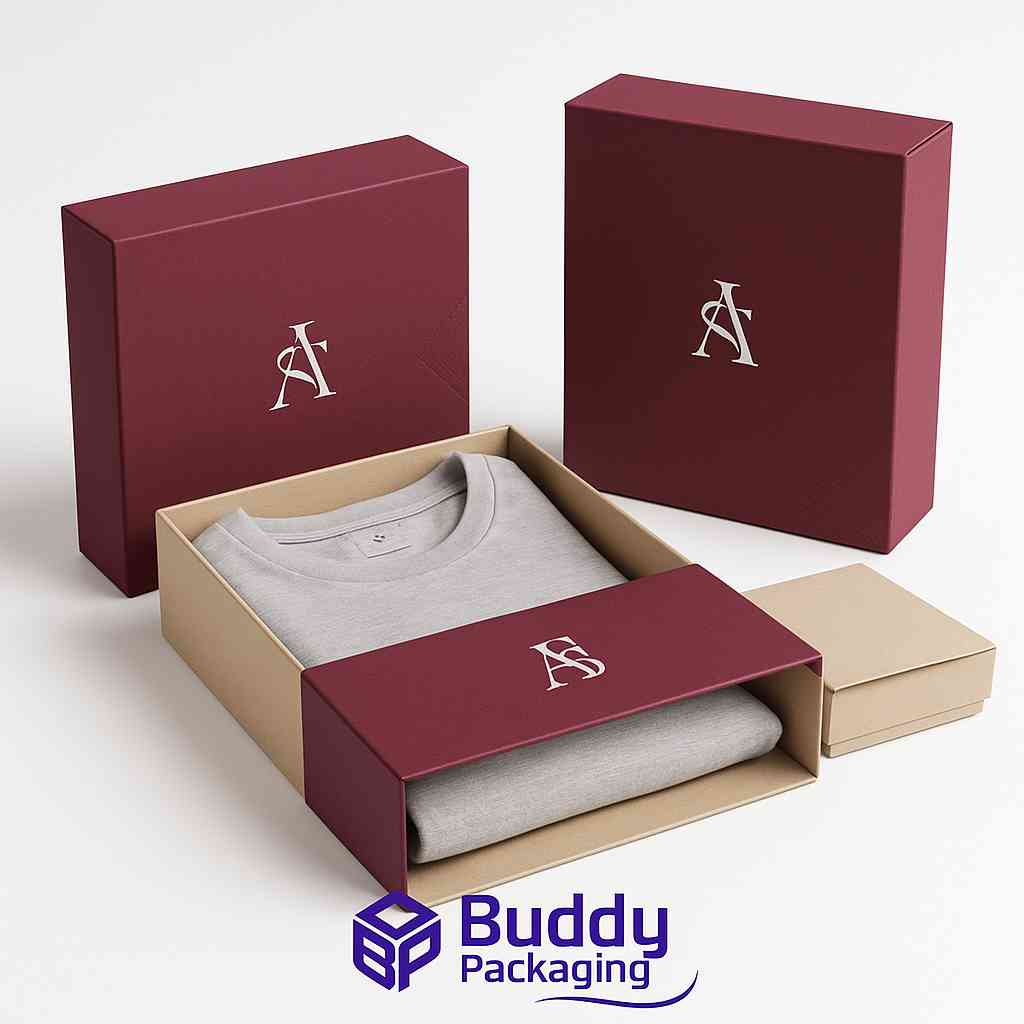
Apparel Sleeve Boxes
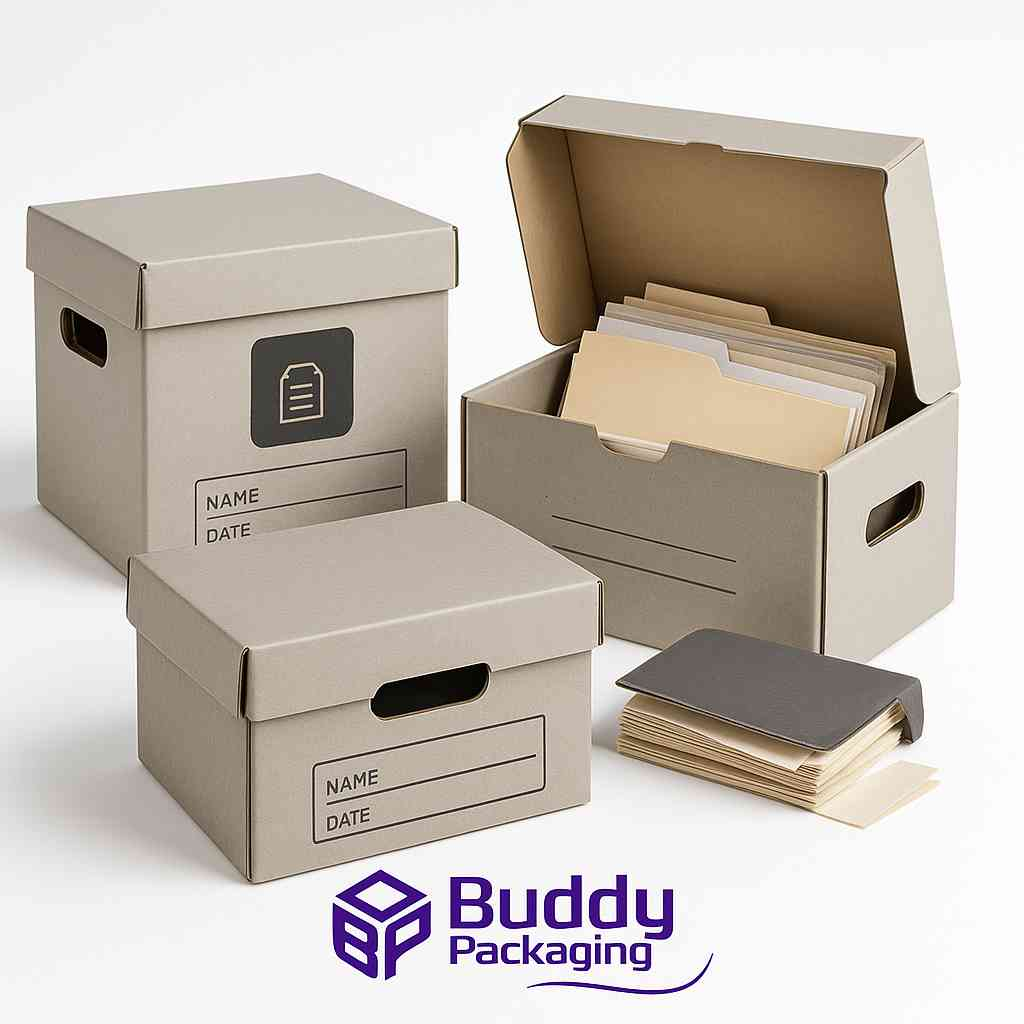
Archive Boxes

buddypackaginguk
Packaging & Print SpecialistTechnical packaging specialist at Buddy Packaging UK, sharing insights on corrugated board packaging, custom dielines, and print production.
View all packaging articles by buddypackaginguk →