How To Do 3d Printing Design
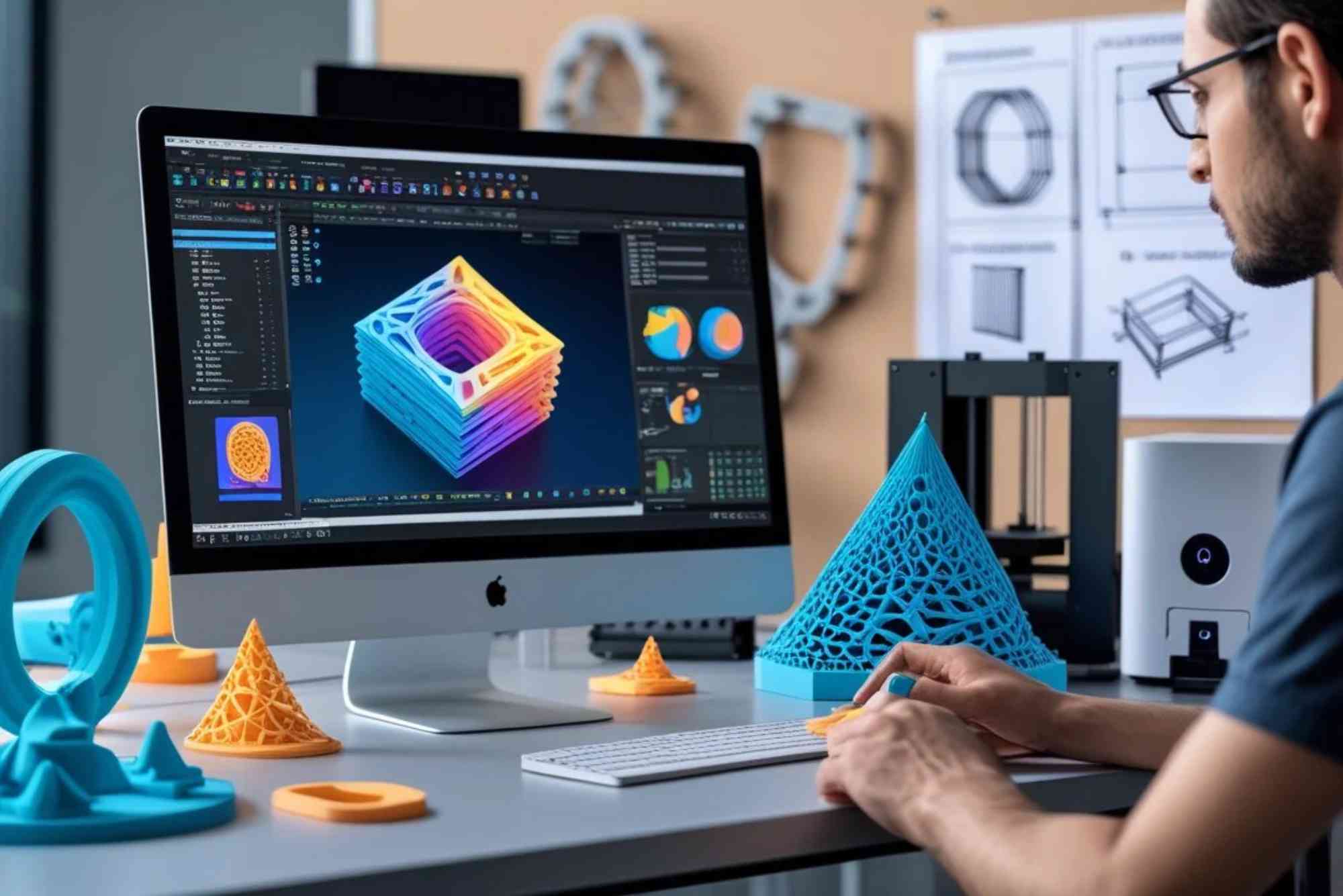
How To Do 3D Printing Design: A Complete Beginner-to-Advanced Guide
3D printing has transformed how we create, prototype, and manufacture products. If you’re wondering how to do 3D printing design, you’re not alone. Many beginners struggle with where to start, what tools to use, and how to turn ideas into printable models. This guide will walk you through everything—from basic concepts to advanced techniques—so you can confidently design for 3D printing.
Whether you’re a hobbyist, entrepreneur, or designer, learning how to do 3D printing design can open doors to creativity and innovation.
What Is 3D Printing Design?
3D printing design is the process of creating digital 3D models that can be turned into physical objects using a 3D printer. These designs are usually made using CAD (Computer-Aided Design) software and exported in file formats like STL or OBJ.
Understanding how to do 3D printing design means learning how to create models that are not just visually appealing but also structurally sound and printable.
Why Learning How to Do 3D Printing Design Matters
Customisation and Creativity
You can create unique objects tailored to your needs, from phone holders to mechanical parts.
Cost Efficiency
Instead of buying expensive products, you can design and print your own.

Business Opportunities
Many entrepreneurs use 3D printing for product development and even for Custom Packaging solutions that stand out in the market.
Essential Tools for 3D Printing Design
To master how to do 3D printing design, you need the right tools.
3D Modeling Software
Popular tools include:
- Tinkercad (beginner-friendly)
- Fusion 360 (intermediate to advanced)
- Blender (for artistic designs)
Slicing Software
Slicers convert your 3D model into instructions for the printer. Examples include Cura and PrusaSlicer.
3D Printer
Choose based on your needs:
- FDM printers for beginners
- Resin printers for high-detail models
Process: How to Do 3D Printing Design
Define Your Idea
Start with a clear concept. Sketch your design or gather packaging design inspiration to visualize your final product.
Choose the Right Software
Beginners should start with simple tools like Tinkercad, while professionals can use Fusion 360 for precision.
Create Your 3D Model
Design your object using basic shapes and gradually refine it. Focus on:
- Dimensions
- Symmetry
- Functionality
Optimize for 3D Printing
This is a critical part of how to do 3D printing design.
Wall Thickness
Ensure walls are thick enough to support the structure.
Overhangs
Avoid extreme angles unless you use supports.
Supports and Bridges
Design with minimal supports to save material and time.
Export the File
Export your design as an STL file, the most common format for 3D printing.
Slice the Model
Use slicing software to:
- Set layer height
- Adjust infill density
- Generate supports
Print and Test
Print your model and evaluate:
- Strength
- Accuracy
- Surface finish
Iterate your design if needed.
Key Design Principles for 3D Printing
Design for Printability
Not all designs are printable. Keep in mind:
- Gravity affects printing
- Layer adhesion matters
Minimize Material Use
Use hollow structures or infill patterns to reduce cost.
Tolerance and Fit
If your design includes moving parts, ensure proper spacing.
Common Mistakes to Avoid
Ignoring Printer Limitations
Every printer has limits in size, resolution, and materials.
Overcomplicated Designs
Complex designs may fail during printing.
Skipping Test Prints
Always test before final production.
Advanced Tips for Better 3D Printing Design
Use Parametric Design
Allows easy modification of dimensions without redesigning.
Incorporate Textures
Adds aesthetic value and improves grip.
Experiment with Materials
Different filaments like PLA, ABS, and PETG offer unique properties.
Applications of 3D Printing Design
Product Prototyping
Quickly test and refine ideas.
Custom Packaging
Businesses now create innovative packaging designs to attract customers.
Medical and Engineering
Used for prosthetics, tools, and mechanical parts.
If you’re exploring local solutions or services, you can even check out Buddy Packaging Location for real-world applications and inspiration.
How to Improve Your 3D Printing Design Skills
Practice Regularly
The more you design, the better you get.
Join Online Communities
Platforms like Thingiverse and Reddit offer valuable feedback.
Learn from Existing Models
Analyze successful designs to understand what works.
Future of 3D Printing Design
The future is promising, with advancements in:
- AI-driven design tools
- Multi-material printing
- Sustainable materials
Understanding how to do 3D printing design today prepares you for tomorrow’s innovations.
FAQs
What software is best for beginners in 3D printing design?
Tinkercad is ideal for beginners due to its simple interface and easy learning curve.
How long does it take to learn 3D printing design?
Basic skills can be learned in a few days, but mastering how to do 3D printing design may take months of practice.
Do I need a 3D printer to start designing?
No, you can start designing using software and test your models later.
What file format is used in 3D printing?
STL is the most commonly used format.
How can I make my 3D prints stronger?
Increase wall thickness, adjust infill density, and choose stronger materials like PETG or ABS.
Learning how to do 3D printing design is a valuable skill that combines creativity, engineering, and problem-solving. From simple objects to complex prototypes, the possibilities are endless.
Shop the boxes from this guide
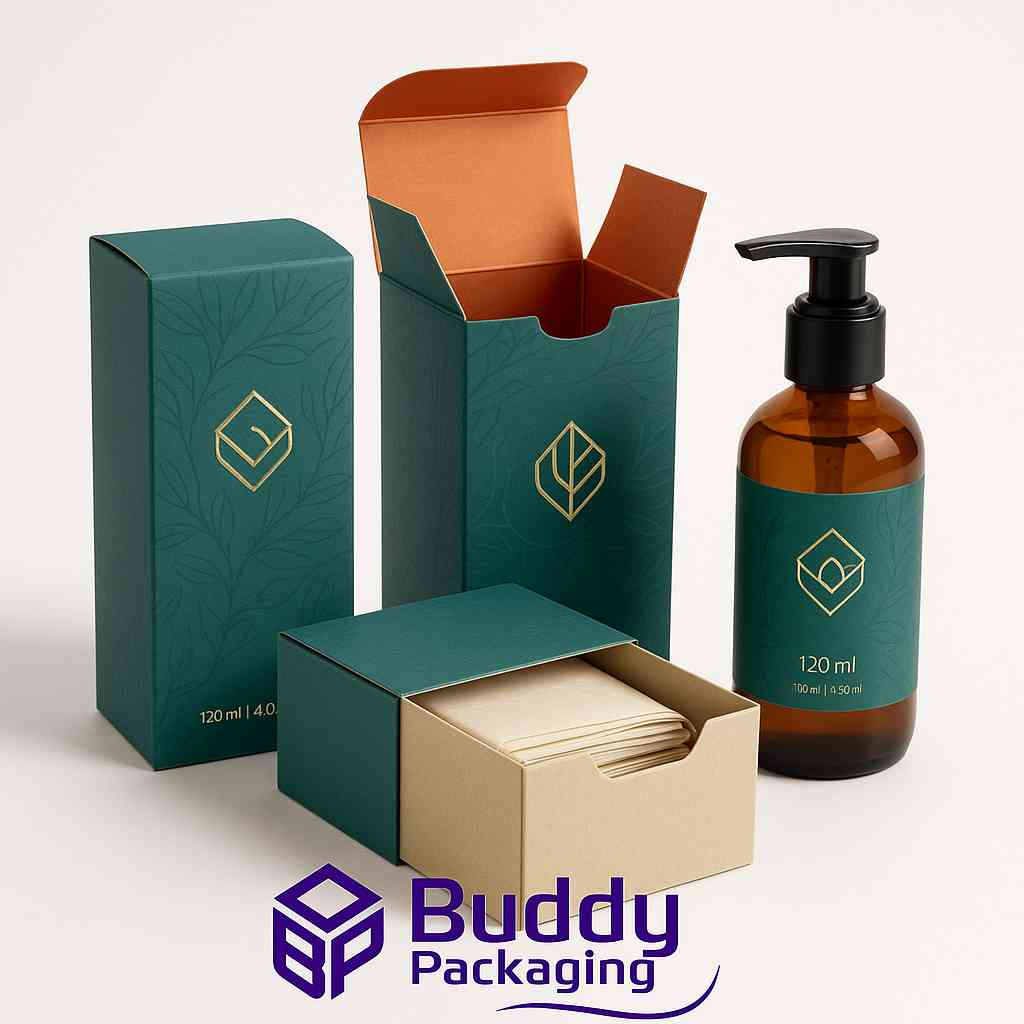
120ml Bottle Boxes
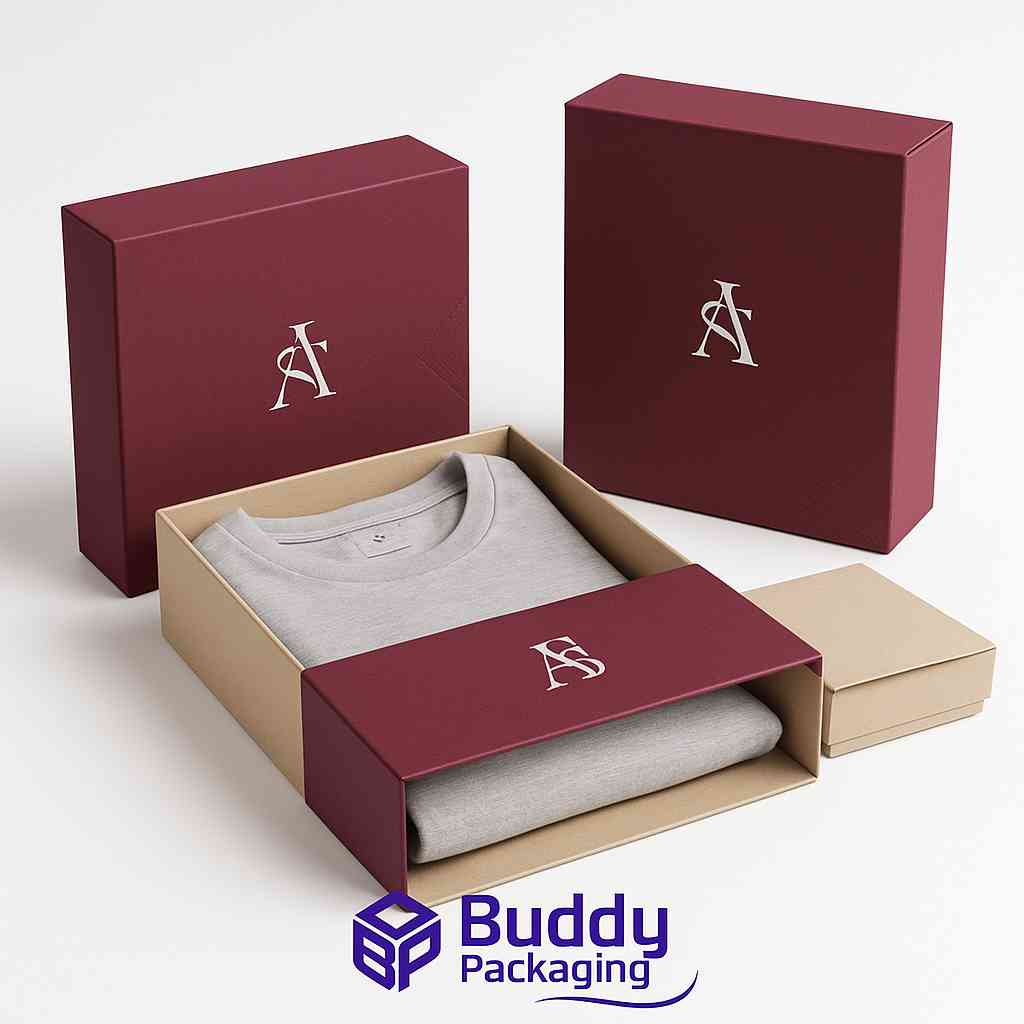
Apparel Sleeve Boxes
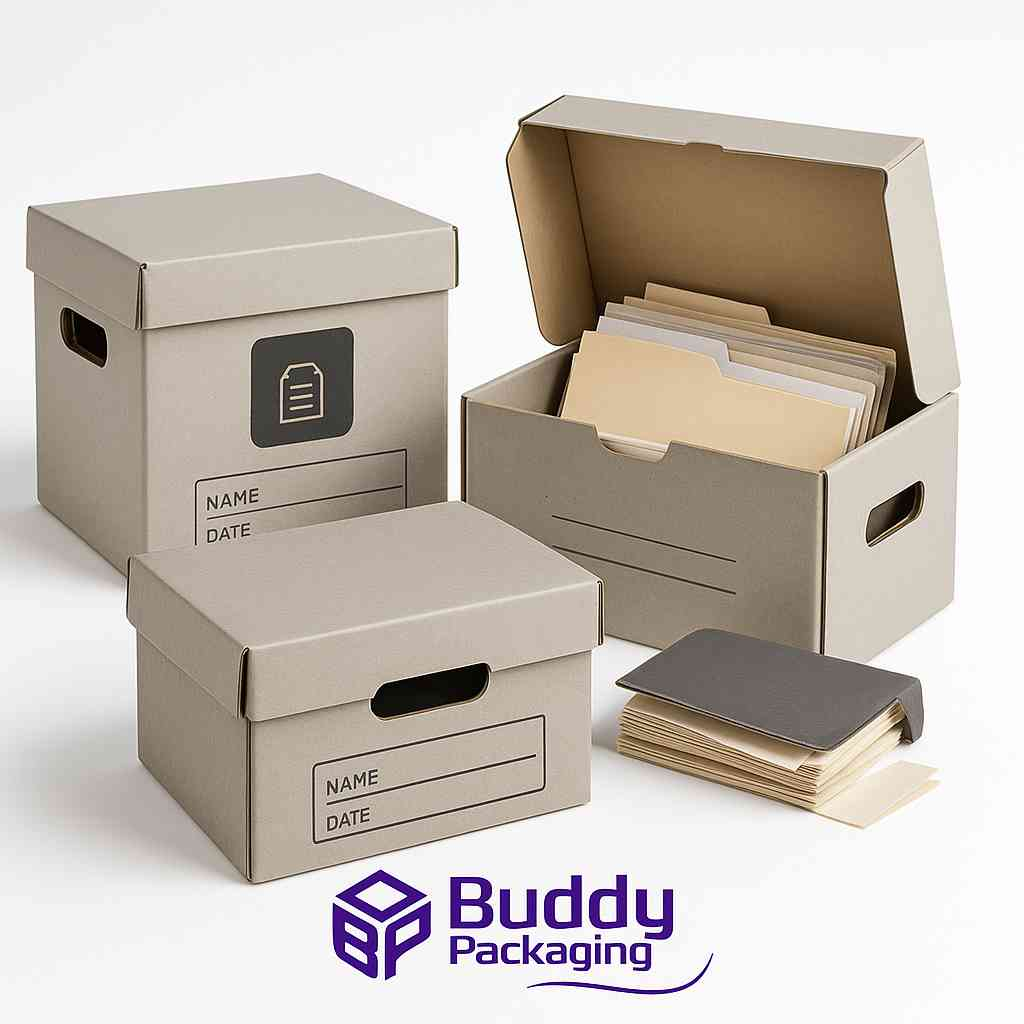
Archive Boxes

buddypackaginguk
Packaging & Print SpecialistTechnical packaging specialist at Buddy Packaging UK, sharing insights on corrugated board packaging, custom dielines, and print production.
View all packaging articles by buddypackaginguk →