Bottle Label Design Maker
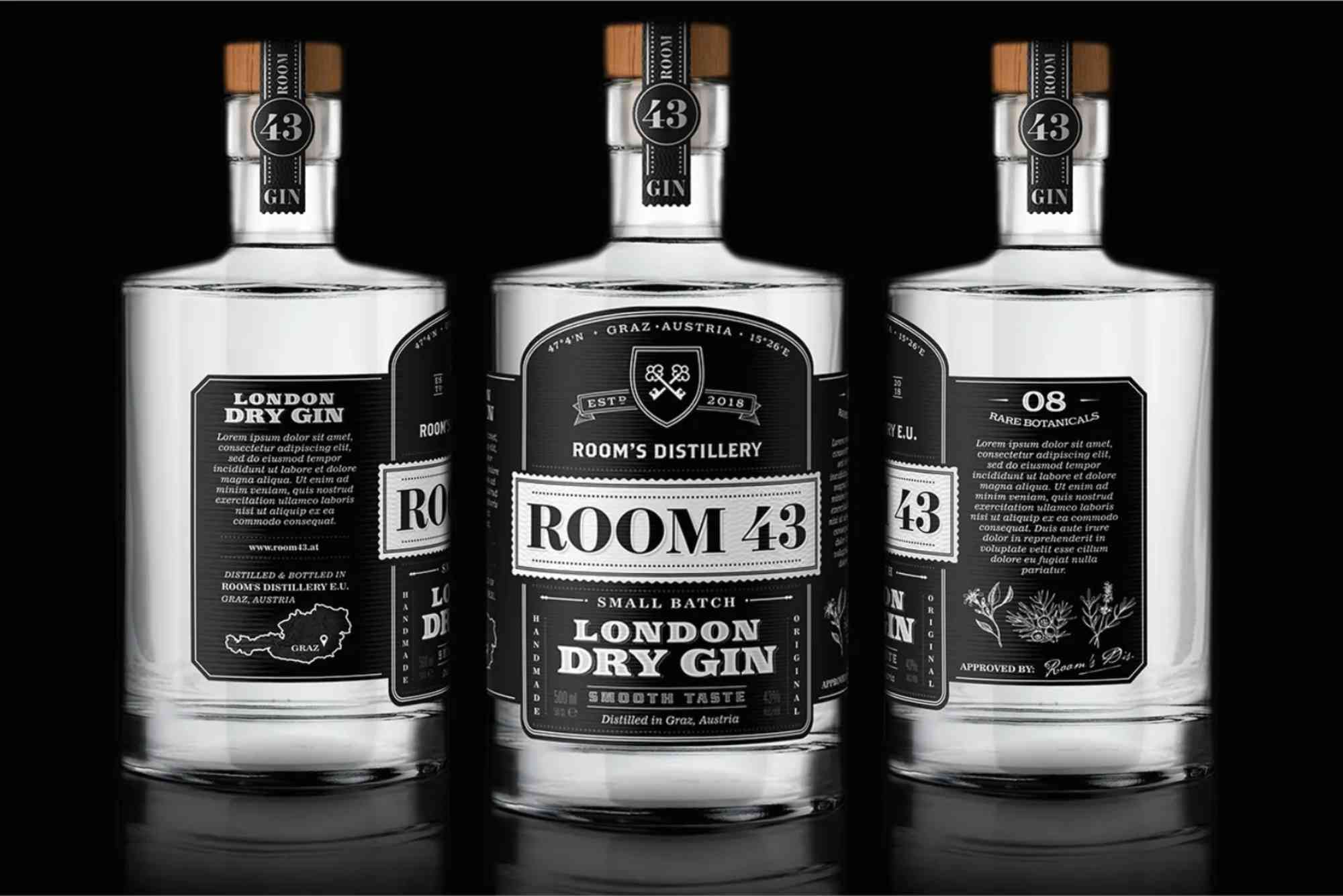
Bottle Label Design Maker: Create Labels That Sell
A bottle label design maker is more than a creative tool. It is a powerful way to build your brand identity and attract customers. Whether you sell beverages, cosmetics, or homemade products, your label speaks before your product does. A well-designed label builds trust and encourages people to choose your product over others.
In today’s competitive market, businesses need packaging that stands out. With the right bottle label design maker, you can create professional labels without hiring a designer. This guide explains how to use these tools effectively and design labels that truly sell.
Why a Bottle Label Design Maker Matters
A bottle label is often the first thing customers notice. It shapes their perception of your product. Therefore, investing time in design is essential.
A bottle label design maker simplifies the process. It allows you to create visually appealing labels quickly. At the same time, it ensures consistency in your branding.
Moreover, these tools are cost-effective. Small businesses and startups can produce high-quality designs without a large budget. This makes them ideal for entrepreneurs and growing brands.
Key Features of a Good Bottle Label Design Maker
Choosing the right bottle label design maker can make a huge difference. Not all tools offer the same features. Therefore, it is important to look for specific capabilities.

Easy-to-Use Interface
A simple interface saves time and effort. Even beginners should be able to design labels easily. Drag-and-drop functionality is especially helpful.
Customisable Templates
Templates provide a strong starting point. A good bottle label design maker offers a wide range of styles. These templates can be customised to match your brand.
High-Quality Graphics
Visual quality matters. Look for tools that offer high-resolution images and icons. This ensures your labels look professional when printed.
Font and Colour Options
Typography and colour define your brand personality. A versatile bottle label design maker should provide multiple font and colour options.
Export and Print Options
Finally, ensure the tool supports print-ready formats. This helps you avoid issues during production.
How to Design an Effective Bottle Label
Creating a label is not just about aesthetics. It requires strategic thinking. A bottle label design maker helps, but your design decisions matter.
Understand Your Audience
Start by identifying your target audience. Are you targeting young consumers or professionals? Your design should reflect their preferences.
Focus on Branding
Consistency is key. Use your brand colours, logo, and style across all labels. This builds recognition over time.
Keep It Simple
Avoid clutter. A clean design is easier to read and more appealing. Highlight only essential information.
Use Clear Typography
Choose fonts that are easy to read. Avoid overly decorative styles. Your product name should stand out clearly.
Add Essential Information
Include necessary details such as ingredients, volume, and expiry date. Transparency builds trust with customers.
Benefits of Using a Bottle Label Design Maker
Using a bottle label design maker offers several advantages. It saves time while maintaining quality.
Firstly, it speeds up the design process. You can create multiple versions quickly. This allows you to test different styles.
Secondly, it reduces costs. You do not need to hire professional designers for every update. This is especially useful for small businesses.
Thirdly, it offers flexibility. You can edit designs anytime. This helps when launching new products or seasonal variations.
Additionally, it improves creativity. With various templates and tools, you can experiment with unique ideas.
Bottle Label Design Trends to Follow
Staying updated with trends can give your product a competitive edge. A modern bottle label design maker includes features that support current styles.
Minimalist designs are very popular. Clean layouts with simple colours attract attention. They also convey a premium feel.
Eco-friendly themes are also trending. Many brands use natural colours and textures. This reflects sustainability and responsibility.
Bold typography is another trend. Large, striking fonts make labels easy to read. They also create a strong visual impact.
Personalisation is growing as well. Customers love products that feel unique. Custom labels can enhance this experience.
Integrating Packaging with Label Design
Your label should match your overall packaging. Consistency creates a professional look. It also strengthens your brand identity.
When designing labels, consider the shape and size of your bottle. The design should fit perfectly without distortion.
Additionally, think about materials. Glossy, matte, or textured finishes can change the look of your label. A good bottle label design maker helps you visualise these effects.
For businesses looking to enhance their packaging, explore Custom Bottle Boxes to complement your label design. Coordinated packaging creates a memorable customer experience.
Common Mistakes to Avoid
Even with a bottle label design maker, mistakes can happen. Avoiding them ensures better results.
Overloading the design with information is a common issue. Keep your label clean and focused.
Using low-quality images can ruin your design. Always choose high-resolution graphics.
Ignoring print requirements can lead to problems. Ensure your design meets printing standards.
Inconsistent branding can confuse customers. Stick to your brand guidelines at all times.
Tips for Printing Perfect Bottle Labels
Designing is only half the process. Printing also plays a crucial role.
Choose the right material for your labels. Waterproof and durable options are ideal for beverages.
Test your design before mass printing. Print a sample to check colours and alignment.
Work with reliable printing services. Quality printing enhances your design.
For deeper understanding, explore print & finishing insights to improve your final output and ensure professional results.
Choosing the Best Bottle Label Design Maker
There are many tools available today. Selecting the right one depends on your needs.
If you are a beginner, choose a tool with simple templates. This helps you get started quickly.
For advanced users, look for customisation options. These allow you to create unique designs.
Also, consider pricing. Some tools offer free versions, while others require subscriptions.
Location-based services can also help. If you need local support, check Buddy Packaging Location for nearby resources and assistance.
Future of Bottle Label Design
Technology continues to evolve. Bottle label design maker tools are becoming more advanced.
AI-powered design suggestions are becoming common. These tools analyse trends and recommend designs.
3D previews are also improving. They allow you to see how your label looks on a bottle.
Sustainability is another focus. More tools support eco-friendly designs and materials.
As these trends grow, businesses must adapt. Buddy Packaging Location Using a modern bottle label design maker ensures you stay ahead.
Conclusion
A bottle label design maker is an essential tool for any product-based business. It helps you create professional, attractive labels with ease. More importantly, it allows you to express your brand identity clearly.
By understanding design principles and using the right tools, you can create labels that stand out. Avoid common mistakes and follow current trends to maximise impact.
If you want your product to succeed, start with a strong label. Use a reliable bottle label design maker today and transform your packaging into a powerful marketing tool.
buddypackaging.co.uk offers innovative and eco-friendly packaging solutions for businesses of all sizes. From custom boxes to sustainable materials, they help brands stand out while caring for the environment. Their expert team ensures high-quality, reliable, and stylish packaging that meets every need.
Shop the boxes from this guide
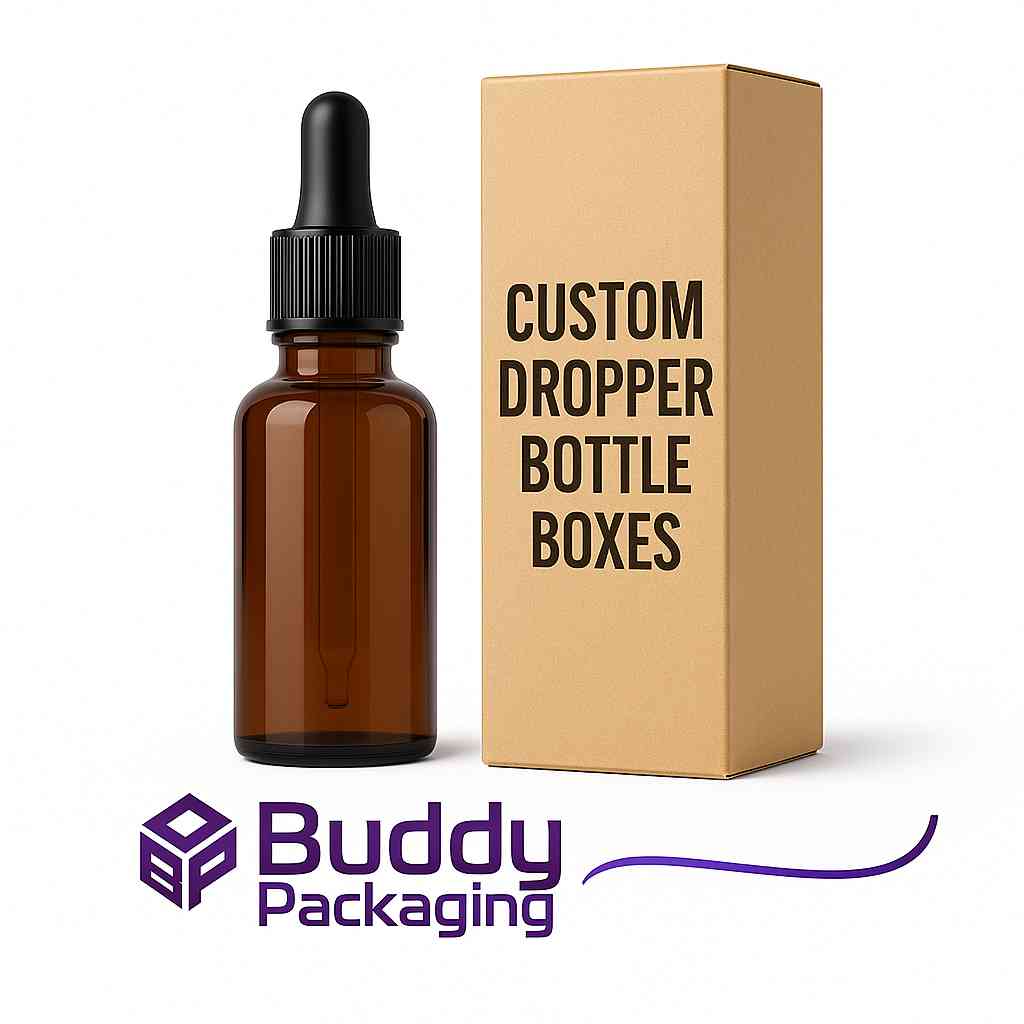
Dropper Bottle Boxes
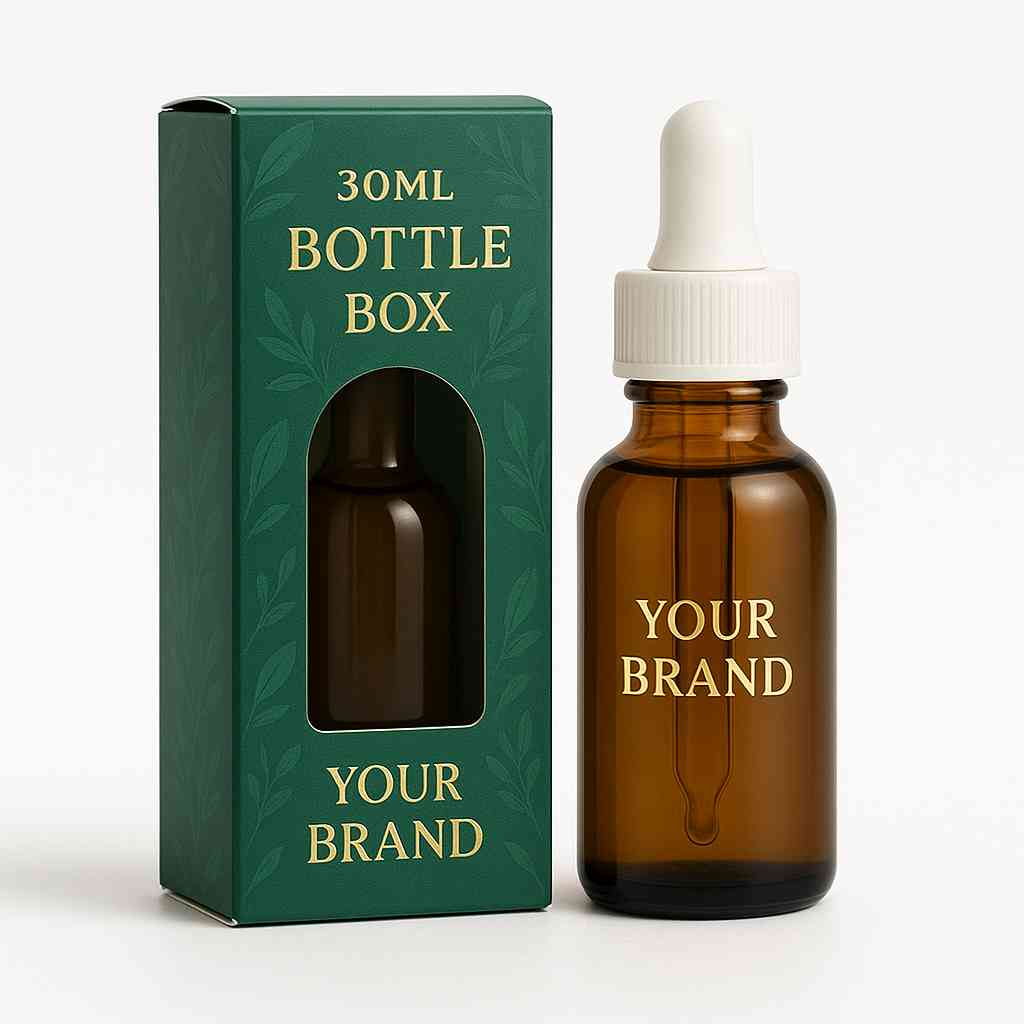
Custom 30ml Bottle Boxes
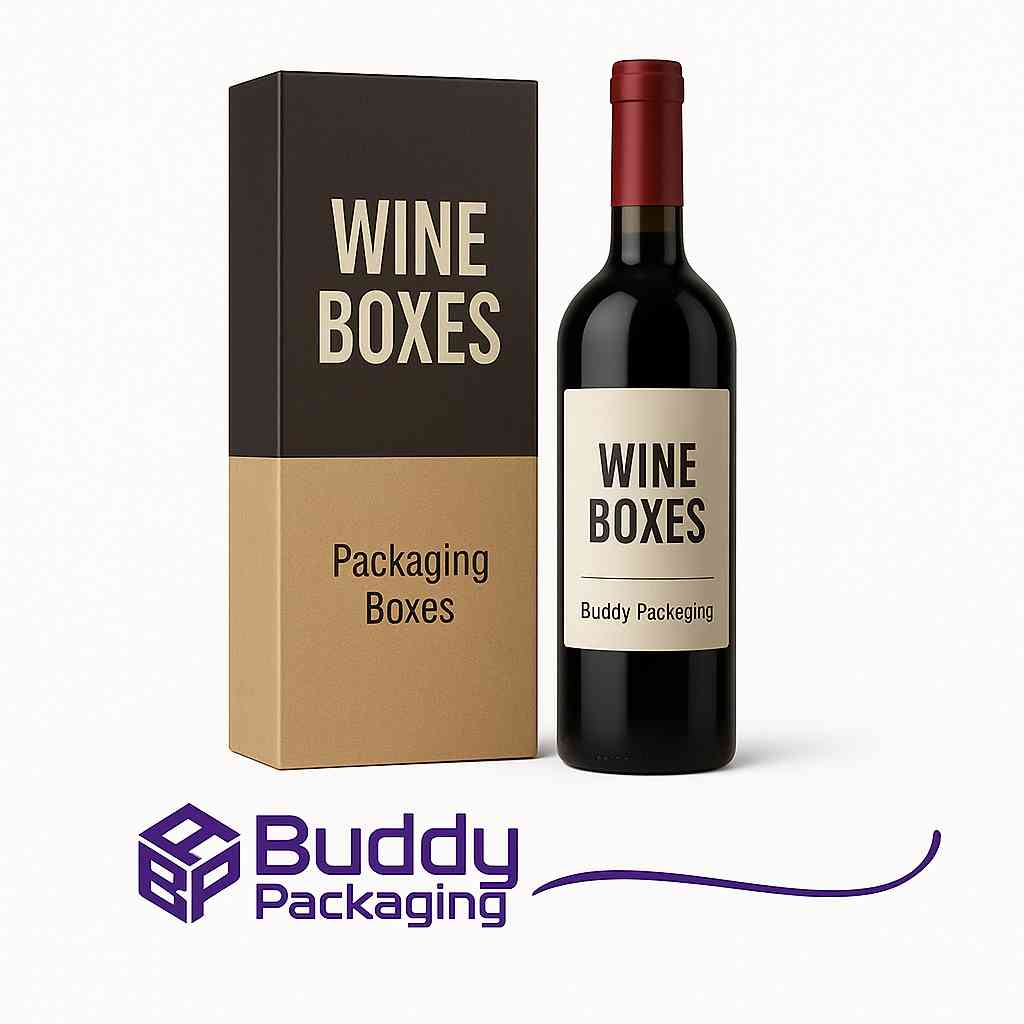
Wine Boxes

buddypackaginguk
Packaging & Print SpecialistTechnical packaging specialist at Buddy Packaging UK, sharing insights on corrugated board packaging, custom dielines, and print production.
View all packaging articles by buddypackaginguk →