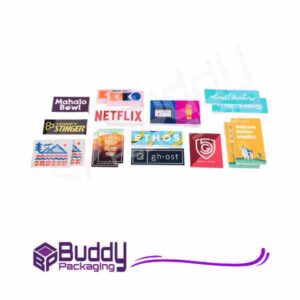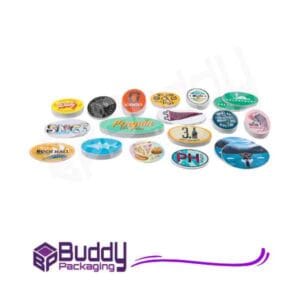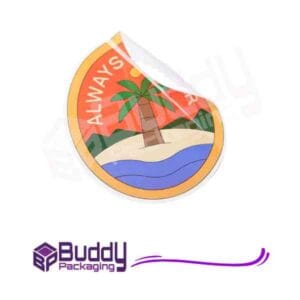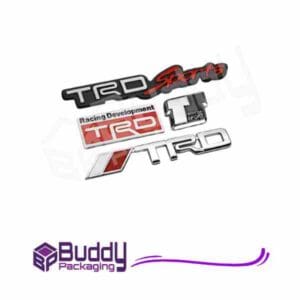
Label Design and Printing
Creating effective label design and printing solutions is essential for any brand that wants to stand out on the shelf. Labels are more than just identification — they tell your brand’s story, communicate value, and influence purchase decisions. Whether you’re producing food, cosmetics, or beverages, your label design is often the first impression customers get of your product.
What Is Label Design and Printing?
Label design and printing is the process of creating visually appealing and informative product labels, then producing them through professional printing techniques. The process combines creativity, marketing psychology, and technical precision to achieve labels that not only look great but also meet industry standards.
High-quality labels are crucial because they:
- Build brand recognition
- Convey essential product information
- Ensure compliance with packaging regulations
- Differentiate products in competitive markets
The Importance of Effective Label Design
A well-designed label communicates the product’s purpose and brand personality at a glance. The design should be both attractive and functional, balancing creativity with clarity.
Building Brand Identity
Labels are powerful brand touchpoints. The colour palette, typography, and imagery all contribute to a recognisable identity. A consistent design across your range reinforces trust and familiarity among consumers.
Influencing Buying Decisions
Studies show that over 60% of shoppers make purchasing decisions based on packaging appeal. A label’s visual hierarchy, use of space, and printing quality can directly impact consumer perception.
Ensuring Legal Compliance
Every label must comply with relevant labelling laws, including ingredient lists, nutritional facts, and safety warnings. Failing to meet these standards can harm your reputation and result in fines.
Key Elements of Great Label Design
To create impactful label design and printing results, focus on these essential elements:
Typography and Readability
Choose fonts that match your brand’s tone while ensuring legibility. Avoid overly decorative fonts for small text, and maintain sufficient contrast between text and background.
Colour Psychology
Colours influence emotions and behaviours. For example, blue suggests trust, red evokes excitement, and green symbolises nature. Understanding colour psychology can enhance your label’s effectiveness.
Imagery and Graphics
Visual elements such as logos, illustrations, or photography strengthen brand storytelling. Use high-resolution images to avoid pixelation during printing.
Material and Finish
The choice of material — paper, vinyl, or clear film — affects durability and aesthetics. Matte finishes feel modern and subtle, while gloss or metallic finishes add luxury.
Label Printing Techniques Explained
After finalising your design, the next step is selecting the right printing method. Each printing technique offers distinct advantages based on your needs and budget.
Digital Printing
Digital printing is ideal for short runs and personalised labels. It offers vibrant colours and fast turnaround times without high setup costs.
Flexographic Printing
Flexography is perfect for large-scale production. It uses flexible plates and fast-drying inks, making it cost-effective for bulk label printing.
Offset Printing
Offset printing delivers superior image quality and consistency. It’s best for high-volume orders that require precise colour matching.
Thermal Printing
Thermal printing is common for barcodes and shipping labels. It’s fast, reliable, and works well for functional, non-decorative purposes.
Modern Trends in Label Design
Keeping up with current trends ensures your products look fresh and relevant on the shelf.
Minimalist Aesthetics
Brands are embracing simplicity with clean designs and minimal colour palettes. Less clutter enhances elegance and readability.
Eco-Friendly Materials
Sustainability is a growing priority. Using recycled paper or biodegradable adhesives appeals to environmentally conscious consumers.
Interactive and Smart Labels
QR codes and NFC tags connect offline packaging to online experiences. They allow customers to access product stories, authenticity checks, or promotional offers.
Personalisation and Limited Editions
Customised labels with names or seasonal designs create emotional connections and boost engagement.
Best Practices for Label Design and Printing
Following best practices helps you achieve professional-quality labels that reflect your brand’s excellence.
Understand Your Audience
Design for your target market. Luxury buyers expect sophistication, while younger consumers prefer bold and playful visuals.
Maintain Consistency Across Products
Consistency strengthens brand recognition. Keep your core design elements — logo, colours, and fonts — unified across all products.
Prioritise Legibility and Hierarchy
Organise information by importance. Highlight your brand name, product type, and key benefits before including detailed data.
Test Your Design in Real Situations
Print prototypes and check how they appear on actual packaging. Lighting, texture, and shelf placement can alter visual perception.
Tools and Resources for Better Label Design
If you’re new to label creation, online resources and design tools can help you refine your skills.
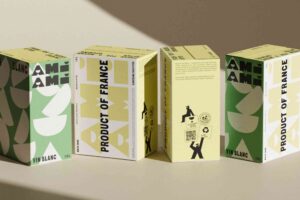
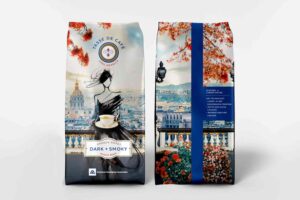
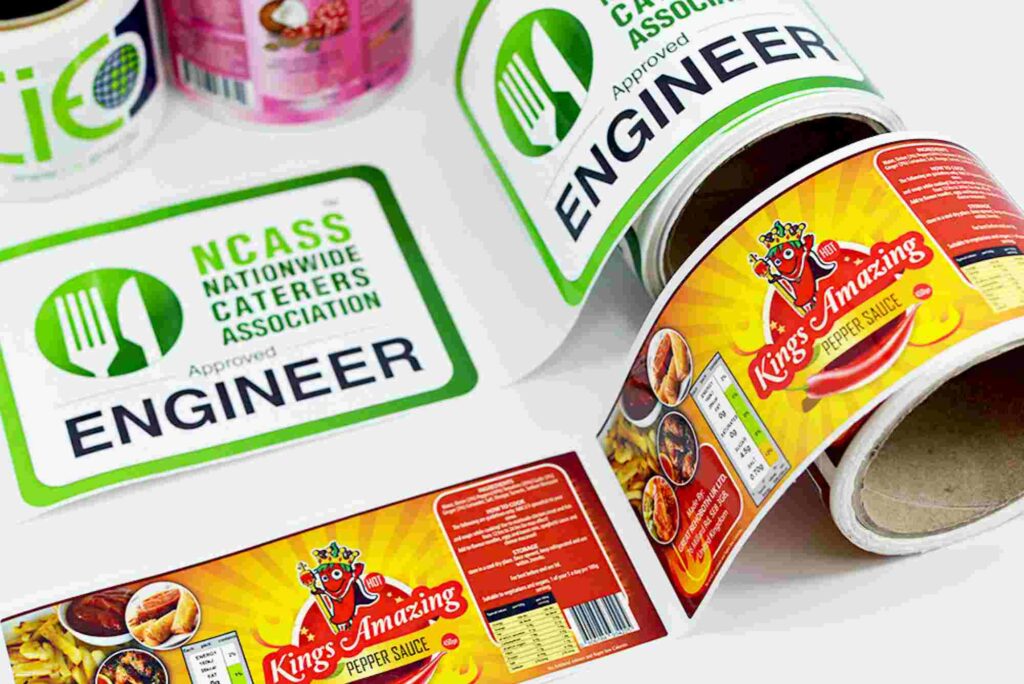
You can explore label design inspiration from real brands to learn what works in different markets. Professional designers often use software like Adobe Illustrator or Canva to craft stunning visuals.
For businesses looking for custom packaging solutions, explore Custom Labels for tailored options that align with your brand’s needs and style.
Choosing the Right Label Printing Partner
Selecting the right printing partner ensures your designs are executed flawlessly. Look for a provider with experience, flexible printing options, and quality assurance processes.
When evaluating a supplier, consider:
- Printing technology and material range
- Colour accuracy and proofing systems
- Delivery times and customer support
- Eco-friendly printing options
Companies like Buddy Packaging Location provide reliable solutions with modern printing techniques to meet various business needs.
Common Label Design and Printing Mistakes
Avoiding common pitfalls can save you time and money:
- Overcrowding the design with text or images
- Ignoring print resolution or bleed margins
- Using inconsistent colours across batches
- Forgetting to proofread content before printing
Always review test prints and consult professionals before final production.
How to Improve Label Durability
Label longevity depends on the right combination of materials, adhesives, and coatings. Waterproof or UV-resistant finishes protect labels from environmental damage, ensuring they stay vibrant and legible.
Frequently Asked Questions (FAQs)
What is the best material for label printing?
It depends on the product. Paper suits indoor products, while vinyl or polyester is better for moisture and heat resistance.
How can I make my labels stand out?
Use bold typography, contrasting colours, and unique finishes like embossing or foil stamping to create visual impact.
Can I print labels at home?
Yes, for small batches. However, professional printing provides better quality, durability, and colour accuracy.
How much does label printing cost?
Costs vary based on quantity, material, and printing method. Digital printing is affordable for short runs, while flexographic printing suits larger orders.
What software is best for designing labels?
Adobe Illustrator, Photoshop, and Canva are popular choices for creating high-quality label designs.
Bring Your Label Vision to Life
Effective label design and printing combine creativity, precision, and strategy. A beautifully designed label not only enhances your product’s shelf appeal but also strengthens your brand’s identity. From material choice to printing technique, every detail contributes to how your customers perceive your brand.